

Enfotek ERP, PLM and PDM Software Solutions Process Planning Module provides many conveniences to professional ERP users in managing their business processes.

Enfotek ERP, PLM and PDM Software Solutions Process Planning Module provides many conveniences to professional ERP users in managing their business processes. With the Process Planning Module, the process management of job steps in customer orders can be easily conducted, and step-by-step planning can be done based on variants, country, and deadline details. The module also enables the easy management of sample-prototype production steps and can be used for process management in R&D centers, TUBITAK TEYDEP projects, or corporate development projects.
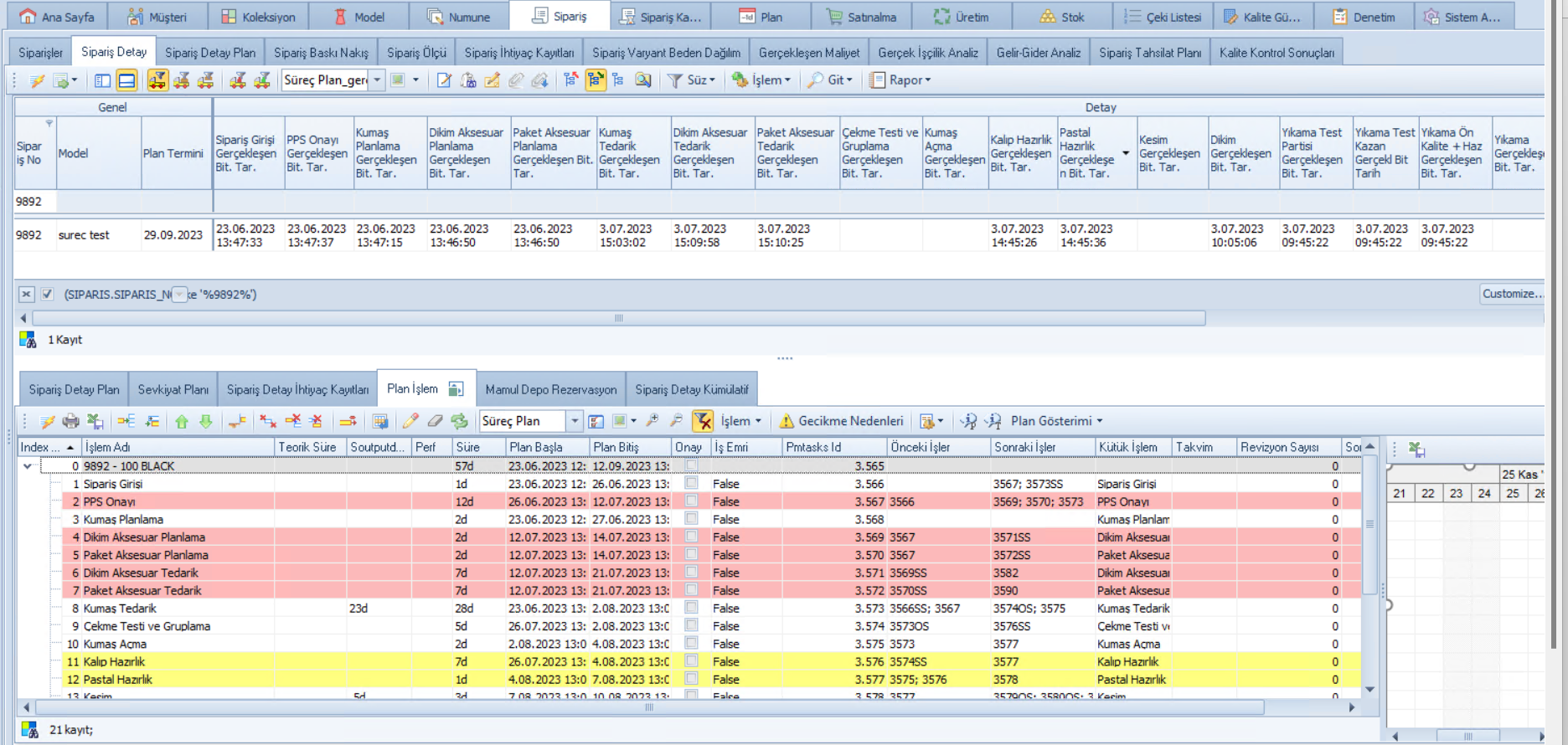
PROVIDES MANY CONVENIENCES
The Process Planning Module, which contains many features for completing an order or project within the desired deadline, provides the following conveniences to professional users:
- Step-by-step planning of business processes based on variants, country, deadline, etc.
- Automatic calculation of target duration and deadlines for each step, early detection and resolution of possible delays.
- Early identification of bottlenecks and constraints in processes.
- Automatic notifications of target deadlines to process owners and easy process tracking.
- Real-time and reliable reporting of metrics such as process compliance performance, process delay analysis, process performance, and process cost.
- Increasing productivity based on resource and process optimization.
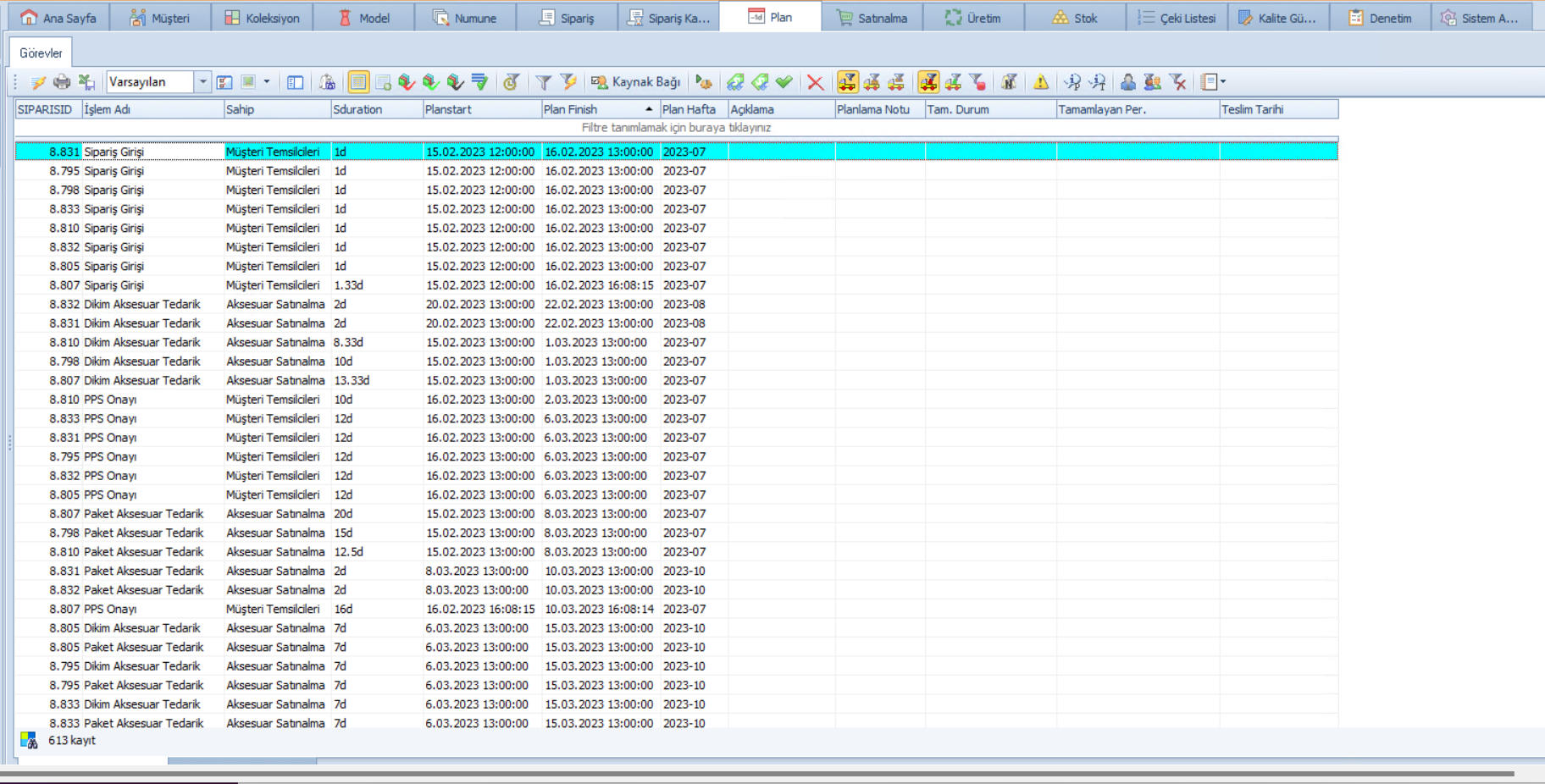
With the Enfotek Process Planning Module, you can create process plans consisting of different processes based on product and order specifications and determine different working hours and schedules for each process step. You can easily define national and religious holidays in the calendar and reschedule your process plans to a later date.
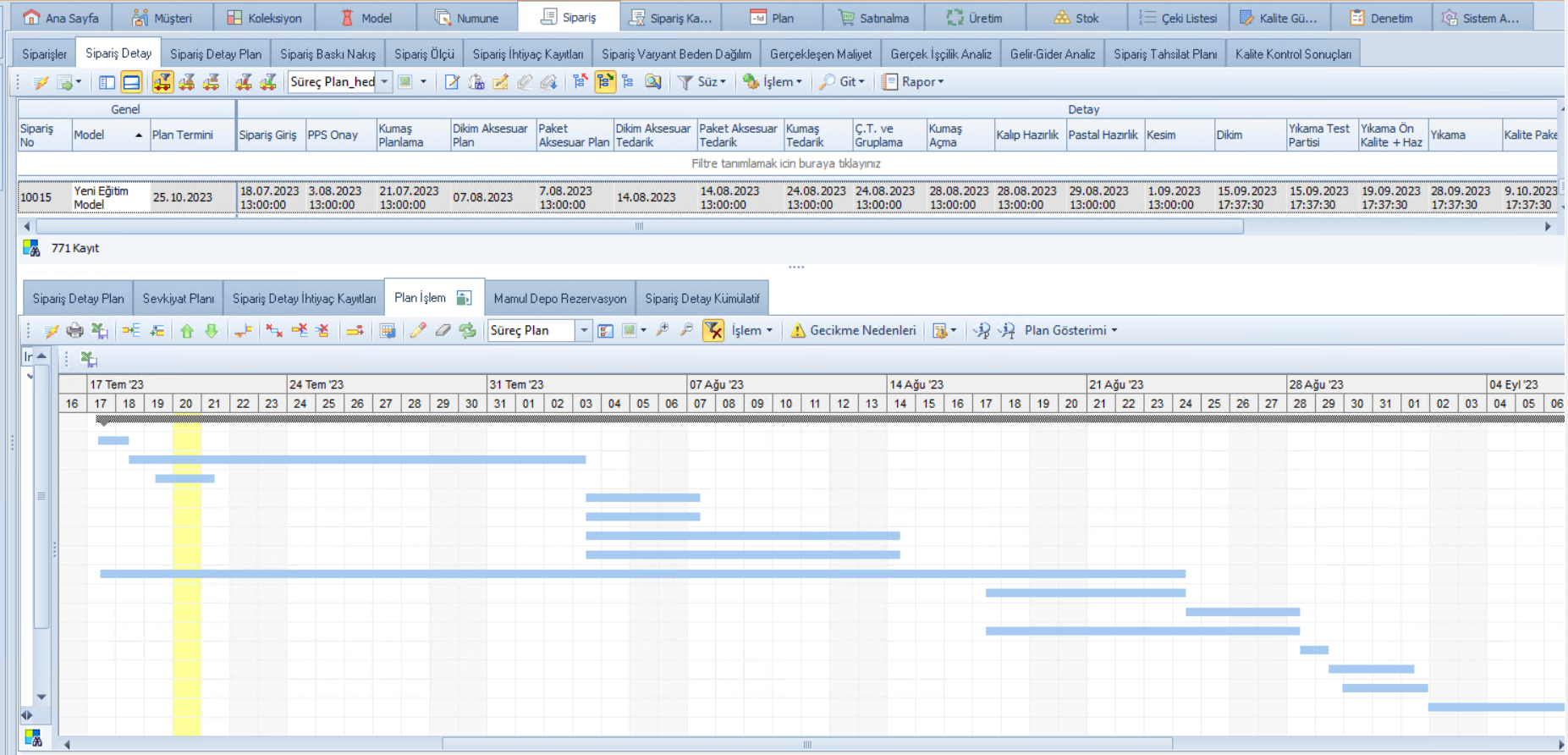
AUTOMATIC REVISION FEATURE
You can define the start dates of subsequent processes based on the completion conditions of predecessor processes (such as after the completion of the predecessor process, after the first output of the predecessor process, or along with the start of the predecessor process) and automatically revise the start dates of subsequent processes based on the completion status of completed processes. Additionally, you can also transfer the automatic actualization dates of executed processes onto the process plan.
Back to all news